
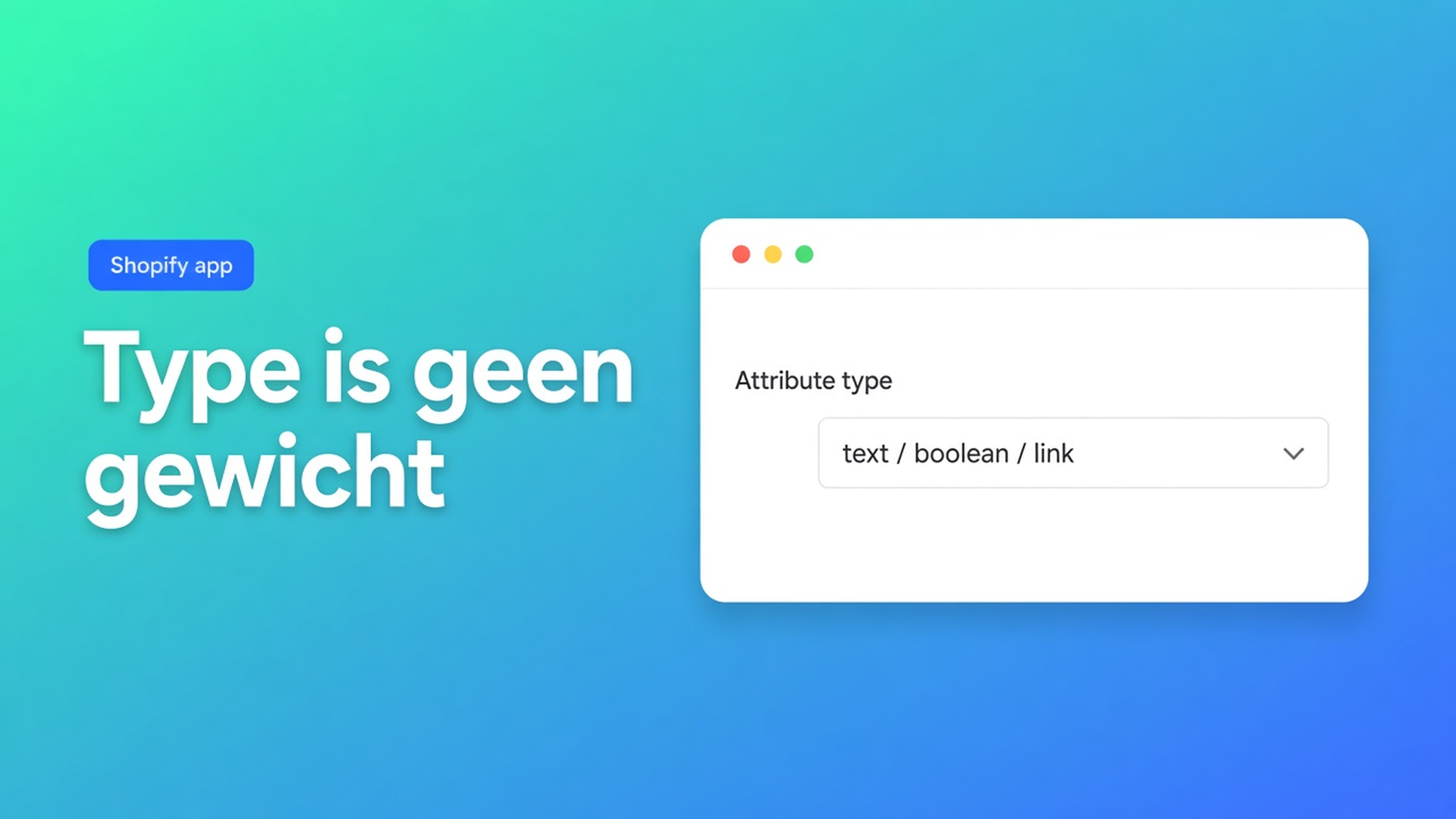
Custom attribute in een Shopify-tabel: text, maat, ja/nee
Garantie staat nergens in Shopify als standaardveld. Gewicht wél. Toch plakt de AI-draft beide als vaste tekst. Shopify tabel custom attribute types is de keuze daarna: text, measurement, number, boolean of link — en wanneer je die keuze níet mag maken omdat Weight of Price al een Shopify-module is. Gecontroleerd op 7 november 2026: listing van OO - Advanced Table Builder, docs What is Tables, Specs & Comparisons?, Quick start, Create and refine with AI, Shopify Help Metafields. Wijzigt de typelijst of de tip “map Weight/Price/Color to Shopify modules”, dan herlees je die bronnen vóór je garantie als `number` zet.
Wanneer je überhaupt een metafield vs custom attribute pakt, staat in specs-tabel metafields. Dit stuk is alleen het waardetype.
Native Shopify heeft types. Een HTML-tabel niet
Metafields kennen integer, decimal, boolean, URL, measurement. Theme-Liquid print ze. Wat native niet doet: die types als specs-rij naast Add to cart, met groepen en vertalingen. Een beschrijvingstabel is platte tekst. “2 jaar” en “24 maanden” zijn daar hetzelfde.
Docs: Product Specs = live Shopify fields and custom attributes voor het huidige product. Quick start: *Prefer Shopify-backed modules (Weight, Price, options, metafields) when values should stay live.* Custom attributes zijn de rest: garantie, materiaalmengsel, een handleiding-URL — geen Weight.
Wat shops tot die split doen:
Alles op text
“1,2 kg” als custom text. Nieuwe levering, nieuw gewicht op de variant — de tabel blijft 1,2. Lege waarde lost dat niet op: de cel is niet leeg, hij is verouderd.
Boolean als “ja” in een tekstcel
Filteren, iconen, vertalen: drie strings. Type boolean is ja/nee. Text is copy.
AI-screenshot laten staan
Generate with AI: na create moduletypes nalopen zodat Weight / Price / Color Shopify-modules zijn, geen custom attributes. Listing 7 nov 2026: Free, 5.0 uit 1 review. AI is een draft.
De vijf types, en wat ze niet zijn
Docs en eerdere Structure-stukken noemen voor custom attributes: text, measurement, number, boolean, link. Geen extra types verzinnen.
Type | Wél | Niet | Check 7 nov 2026 |
|---|---|---|---|
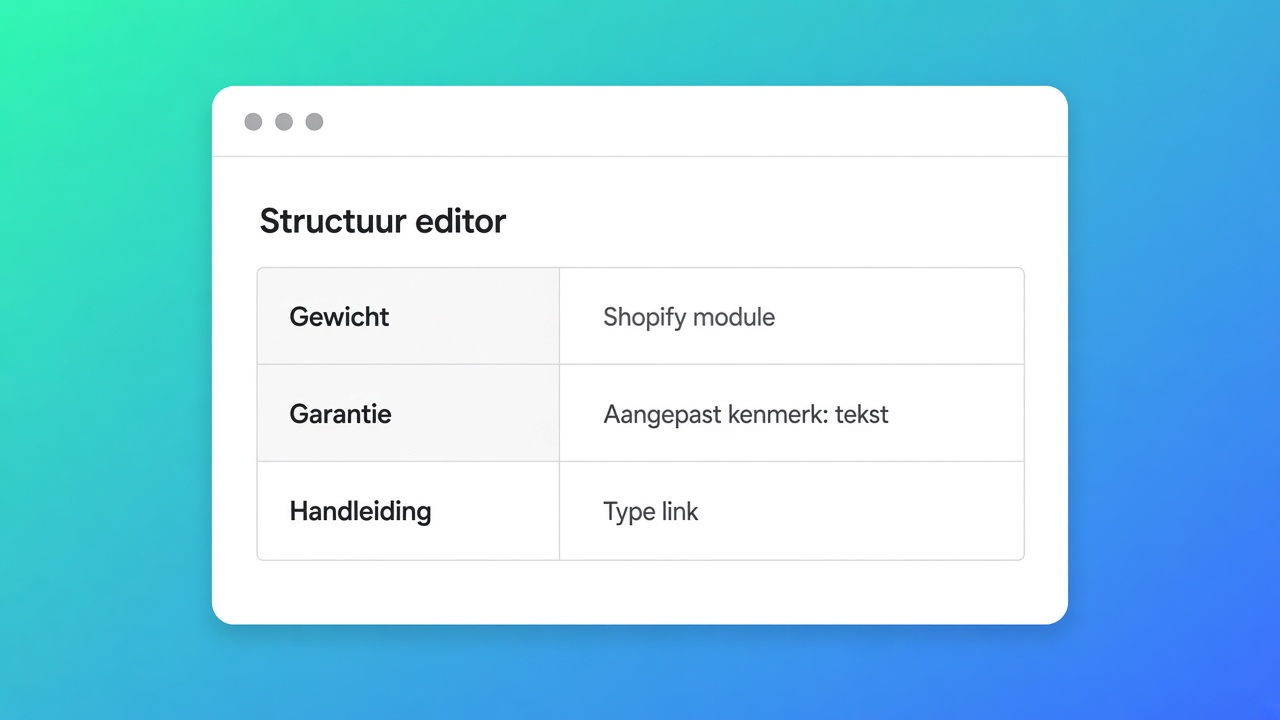
text | Garantiecopy, materiaalomschrijving | Gewicht dat op de variant staat | Shopify-module Weight i.p.v. text |
measurement | Maat zonder Shopify-bron, bv. “snijvlak 18 mm” als storefront-only | Maattabel EU/US — dat is Size chart, geen specs-cel | |
number | Een getal zonder eenheid dat nergens in Shopify leeft | Prijs | Shopify-module Price |
boolean | Waterdicht ja/nee, dimbaar ja/nee | “Ja, IP65” als marketingzin | Text, of split: boolean + text |
link | PDF-handleiding, datasheet | Kleur-swatch | Color → Shopify-module |
Caption: types uit de app-docs (custom attributes); Weight/Price/Color-mapping uit AI-docs. Listing Free. Als de builder een type toevoegt of verwijdert, is de tabel hierboven weg.
Groepen en modules blijven de kapstok: groep Service, daaronder garantie (text) en datasheet (link). Verwar een groep niet met een type.
Specs plaatsen is een theme block, geen auto-inject naast Add to cart. Dat blijft zo, welk type je ook kiest.
Wanneer het type de Comparison-rij mee trekt
Comparison vult cellen uit elk geselecteerd product (FAQ): Shopify-data en custom attributes waar geconfigureerd. Een boolean “dimbaar” vergelijkt schoon. Dezelfde claim als text “ja, met app” vs “Ja (app)” is ruis in de matrix.
Per-variant specs: variant metafield, owner variant. Een custom attribute op productniveau blijft hetzelfde als de shopper van kleur wisselt. Dat is geen bug in boolean; dat is de verkeerde owner.
Empty-value policy (verbergen vs “Not available”) geldt voor lege Shopify-modules. Een custom text “n.v.t.” is geen lege waarde — we schreven dat al. Kies het type, of kies de policy, niet beide op dezelfde rij.
Praktijk: hanglamp, garantie text, IP boolean, gewicht live
Shop “Lichtkap”. Drie varianten, verschillend gewicht. Garantie 5 jaar op alles. IP44 ja/nee per SKU — dat ís een metafield, geen custom attribute. Handleiding één PDF.
Installeer OO - Advanced Table Builder. Listing Free (7 nov 2026).
Tabel type Product Specs. Structure: groep Techniek → Shopify-module Weight. Groep Certificering → metafield IP44 (boolean in Shopify) als de data daar al staat; anders custom boolean alleen als er géén metafield is.
Groep Service → custom attribute Garantie, type text (“5 jaar, niet op de kap”). Custom attribute Handleiding, type link.
Geen custom measurement voor gewicht. AI-draft van een oude HTML-tabel: Weight terugzetten naar de Shopify-module.
Theme block Product specs op het producttemplate. Enable. Check variantwissel: kg verandert, garantiecopy niet. Comparison-rij dimbaar/IP: boolean, geen “ja”-string.
Kleur van de kap: Shopify-module / optie, geen custom text “zwart”. Docs: Color naar Shopify-module.
Aan de slag
Open Structure. Rij zonder Shopify-bron: kies het type dat de cel ís, niet het type dat mooi staat. Rij mét Shopify-bron: module, geen custom. Quick start: live waarden → Weight, Price, options, metafields.
Na Generate with AI: dezelfde ronde. Screenshot van een concurrent mag; de mapping daarna is van jou. Specs blijven een theme block. Custom CSS/iconen stijlen de cel, ze veranderen het type niet.
Listing blijft Free tot de kaart wijzigt. Geen Premium-tier verzinnen.
Tot slot
Voor Lichtkap zou ik Weight als module laten, garantie als text, IP als metafield-boolean, en de handleiding als link — niet vier text-rijen “omdat AI dat zo zette”. Shopify tabel custom attribute types zijn vijf keuzes voor data die Shopify niet heeft. Gewicht, prijs en kleur horen in modules, zodat de tabel meeloopt. Listing 7 nov 2026: Free, 5.0 uit 1 review. Docs: live first, custom rest. Wijzigt de typelijst, dan is dit advies weg.
Bouw de rij in de listing van OO - Advanced Table Builder en wissel daarna één variant om te zien wat live is en wat copy.
Deze blog werd u aangeboden door:

Dennie Meijs
Mede-eigenaar / Projectmanager / E-commerce specialist
Dennie combineert zijn achtergrond als UX Designer met zijn brede ervaring als projectmanager binnen E-commerce en IT om elk project succesvol tot een einde te brengen.


Dé Shopify select partner voor ambitieuze e-commerce bedrijven die willen groeien!

Diensten
Reviews
5/5
Mail: info@onlineorigins.nl
Tel: 073 234 0612
KVK: 89825624
BTW: NL865123639B01
Bruistensingel 500,5232 AH 's-Hertogenbosch Cookies
© 2026 Online Origins