
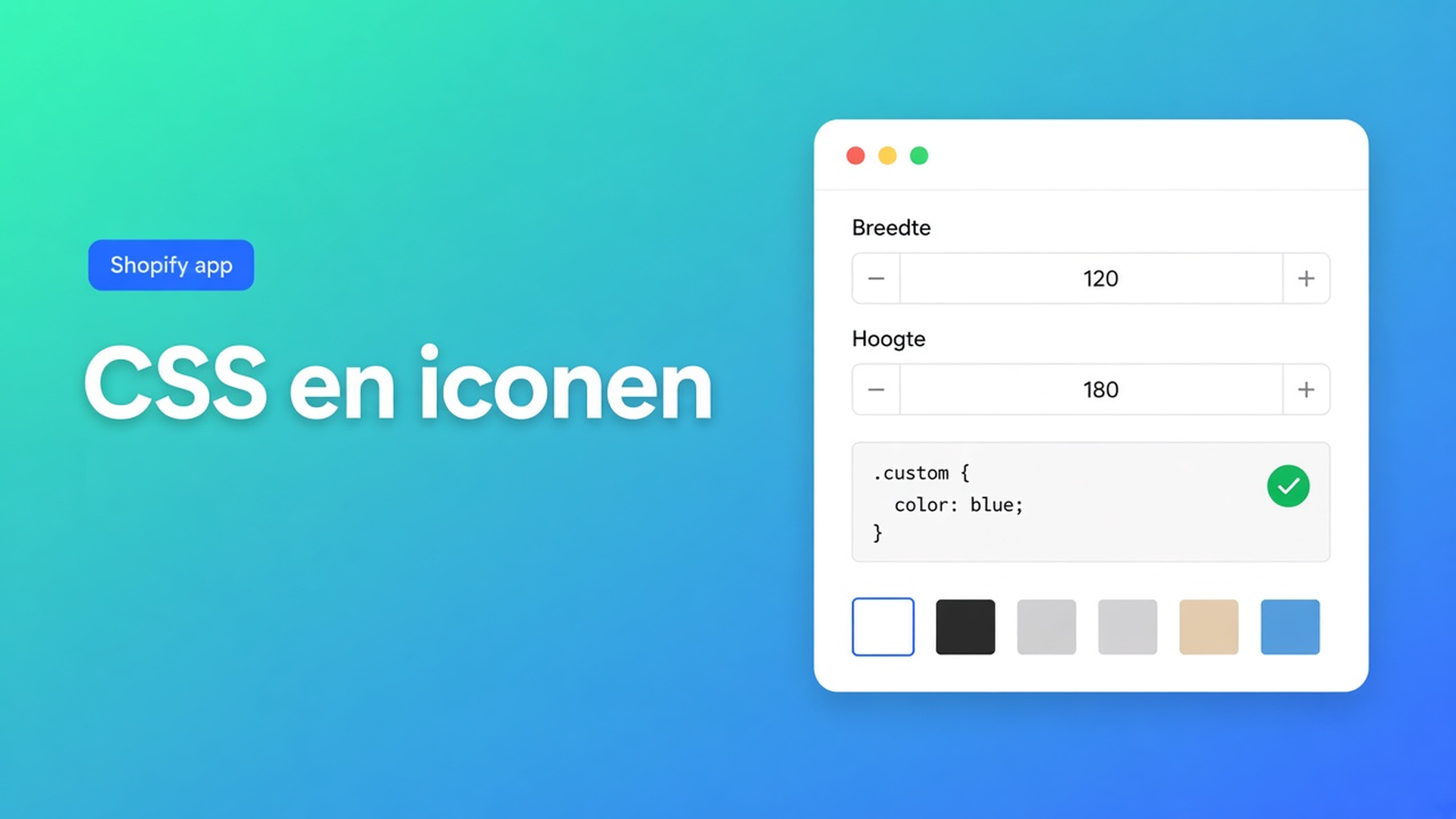
Shopify-tabel: custom CSS en iconen ná de Design-stap
De maattabel klopt. Chest 92–96 staat in de cel. Op de productpagina is de trigger een grijze link, de yes/no-kolom in Us vs Them is een kaal kruisje, en iemand in het team plakt `table { font-family: inherit }` in `theme.css`. Bij de volgende theme-update is de mint weg en de Add to cart-knop ook een tik smaller. Shopify tabel custom CSS en iconen is geen vrijbrief om het thema te hacken. Het zijn display-opties op de listing van OO - Advanced Table Builder, ná de Design-stap.
Listing (6 nov 2026): Free, 5.0 uit 1 review. Display options: templates, custom CSS, color and font, custom icons, custom text, import/export, floating chart, multi-language, product page, mobile responsive. Works with AI, Excel, Google Sheets. Docs zeggen soms nog Tables, Specs & Comparisons. CTA blijft die listing.
Gisteren: vergelijkingstabel layout — grid, cards of spotlight. Dat is nog steeds Design. Dit stuk is de rest van de schil: wat je in Design zet, wat custom text is, wat je níet mag verzinnen bij iconen, en wanneer CSS pas mag.
Design is de schil. Structure blijft de grid.
Design settings overview: templates, kleuren, fonts, spacing, chrome (popup, tray, tabs). Per type anders:
Size charts — popup versus plain, trigger, table colors
Product Specs — layout-templates (details panel, classic, cards)
Comparison — grid/cards/spotlight, modal en tray
Tabbed — tab style en kleuren
Us vs Them — highlight-templates en kolomvlakken (Tint, Pillar, Soft, Gradient, …)
Zelfde rijen, andere schil. Native Shopify heeft geen “maak van deze PNG een maattabel in mijn merkkleur.” Een screenshot in de productbeschrijving is geen font. Custom CSS in het thema is geen tabel-Design.
Refine with AI op Design mag: beschrijving (“donkergroene accenten, crème achtergrond”), screenshot, of website-URL voor publieke merkkleuren/fonts. Structure blijft staan tot jij confirm’t. Dat is de huisstijl-route. CSS is de ontsnapping erna.
Product Specs plaats je als theme block. Claim geen auto-inject naast Add to cart — die auto-placement is voor size charts (boven ATC als het block ontbreekt) en compare (inject onder prijs).
Wat shops in de verkeerde laag zetten
Alles in `theme.css`
Werkt tot Dawn een class hernoemt. Raakt header, cart, productprijs. De listing belooft Custom CSS als display-optie van de *tabel*, niet als thema-override.
Opnieuw Generate with AI “voor de look”
Generate kiest type en sample-rijen. Je had de centimeters al. Refine Design lockt structure. Verkeerde knop.
Icon-pack verzinnen
Listing noemt custom icons. Size-chart docs schrijven modus, label, kleuren, fonts, table surface uit — geen icon-set. Us vs Them-docs: yes/no/text-cellen, highlight, CTA’s, templates. Claim geen Lucide-bibliotheek of upload-veld dat de docs niet noemen. Iconen op de listing horen bij chrome; blijf bij wat het type in Design toont.
Custom text in een tabelcel
“Klik hier voor maten” als eerste rij. Dat is content in Structure. Trigger-label en empty-state horen in Design / Settings (en vertalingen per locale). Listing custom text is die chrome-copy, geen extra meetrij.
Geen van die routes vervangt: Design invullen, tabel enabled, block of embed, dan pas rest-CSS.
Wat de listing wél naast elkaar zet
Templates + color and font. Dat is Design. Begin daar. Vijf tabellen dezelfde mint: Design of Refine URL, niet vijf CSS-blokken.
Custom text. Labels die de shopper ziet: trigger, koppen in chrome, empty-state. Meertalig: Settings → translations, niet een tweede CSS-`content:`.
Custom icons. Listing-display. Gebruik wat het type aanbiedt (yes/no in Us vs Them is een celtype, geen SVG-upload tenzij de UI dat toont). Verzin geen pack.
Custom CSS. Listing noemt het. Eerdere stukken noemen het een ontsnapping ná Design: table surface en fonts eerst, CSS voor het restje dat templates niet dekken. Docs van *deze* app schrijven geen `#calculator-form-container` — dat is een andere app. Claim geen automatische `!important`-scope die hier niet gedocumenteerd is. Geen `<style>`-tags in een veld dat CSS verwacht. Geen `body`/`html`/`*`. Test op mobiel: listing zegt mobile responsive.
Import/export en Excel/Sheets vullen cellen, geen chrome. AI-draft (beschrijving of screenshot, PNG/JPEG/WebP/GIF, max 4 MB) maakt Structure. Kleuren uit die foto zijn een gok bij Generate, geen Design-pass.
Praktijk: size chart plus Us vs Them, één merkkleur
Shop “Lijnmaat”. Size chart popup naast Add to cart. Us vs Them op de merkenpagina: “Wij / markt” met yes/no. Mint uit de homepage.
Installeer OO - Advanced Table Builder. Free.
Size chart: Structure (maten), Design: popup, trigger-label, table colors. Eventueel Refine Design met de shop-URL.
Us vs Them: 2–4 kolommen, feature-rijen yes/no/text, highlight op jullie kolom. Design: template + oppervlak, geen concurrentennamen in de kop als je dat niet wilt.
Custom text: trigger “Maattabel” in Design, niet als extra rij. Vertaling in Settings als je NL+EN verkoopt.
Custom icons: alleen wat de UI van dit type toont. Geen thema-SVG in `assets/`.
Custom CSS: pas als de mint in Design nét niet matcht op één rand. Niet in `theme.css`.
Size chart-block of embed auto-placement. Us vs Them-block met tabel-ID. Specs, als je die later toevoegt, als block — geen ATC-inject.
Test privévenster, desktop en telefoon. Header en Add to cart mogen niet meeveranderen. Thema wisselen: block/embed opnieuw; Design in de app blijft.
Aan de slag
Open de listing. Free. Display options lezen als lagen, niet als vijf manieren om hetzelfde te doen.
Structure klaar. Design: template, kleur, font. Refine URL als de huisstijl al live is.
Custom text in chrome, vertalingen in Settings.
Iconen alleen uit het type. CSS als laatste, scoped in de app, niet in het thema.
Enabled, block of embed, storefront-check.
Tot slot
Shopify tabel custom CSS en iconen is de listing-schil rond Design. Templates, kleur en font eerst. Custom text is label, geen extra rij. Custom icons verzinnen de docs niet tot een icon-pack. CSS is rest, geen `theme.css`. De centimeters blijven in Structure.
Zet Design goed in OO - Advanced Table Builder. Plak daarna hooguit het restje CSS — niet de hele huisstijl.

Dé Shopify select partner voor ambitieuze e-commerce bedrijven die willen groeien!


Diensten
Reviews
5/5
Mail: info@onlineorigins.nl
Tel: 073 234 0612
KVK: 89825624
BTW: NL865123639B01
Bruistensingel 500,5232 AH 's-Hertogenbosch Cookies
© 2026 Online Origins